
creating the best
Author Thumbnail
The ideal Author Thumbnail
If you need help formatting, upload your logo as-is, and request that we edit your logo in the comment area.
- Is a 68x68 pixel square
- Fits inside a 68 pixel circle
- White background, black image
- Is .jpg or .png (not transparent .png)
- Image logo without wordmark
If you need help formatting, upload your logo as-is, and request that we edit your logo in the comment area.
Write your awesome label here.
Examples
When students see the Author Thumbnail, the Author Name will always be next to it.
Most Ideal

Best: A black image on white background, no words.
Still works

OK: Limited text or color, as it can be harder to read.
Avoid
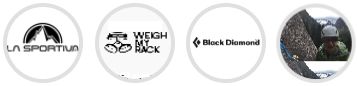
Avoid: Particularly tall or wide images, long words, complicated / busy / poor contrast images.
Confirm the Author Thumbnail
We'll email you when your changes have been made. Course Creators can also see the Author Thumbnail Image of each of their courses when they click "Courses" from their Admin Dashboard menu.
Write your awesome label here.